
Download Wired Marker – Highlight, Annotate & Save Web Text Securely
Overview: Why Wired Marker Is a Must‑Have Research Companion
In the age of information overload, the ability to capture, highlight, and annotate online material without losing your work after a browser restart is priceless. Wired Marker, a dedicated Firefox add‑on, fills that niche by turning any web page into a persistent, searchable notebook. At its core, the tool lets you select text, right‑click, and apply a colored highlight that stays attached to the original content—even after you close the browser or reboot your computer.
But the real power lies beneath the surface: Wired Marker bundles a sidebar manager, note‑taking capability, folder organization, dictionary lookup, and a robust search filter that together transform casual browsing into a disciplined research workflow. Recent updates introduced shortcut‑key support for instant marking and an auto‑cache feature that preserves highlighted pages locally, ensuring your annotations survive even if the source page disappears from the web. While the interface can feel a bit cryptic at first—some options carry non‑intuitive names—the core functions are straightforward and highly effective for students, journalists, and anyone who spends hours digging through online sources.
By keeping all highlights in one place and offering offline access, Wired Marker reduces the mental load of juggling multiple tabs, screenshots, and external note‑taking apps, making it an essential tool for anyone serious about web‑based research.
Key Features, Installation, Usage & Compatibility
Feature List
- Permanent multi‑color highlights that survive browser restarts.
- Inline note attachment to any highlighted passage.
- Sidebar manager with drag‑and‑drop folder organization.
- Full‑text search across all saved highlights.
- Dictionary lookup for selected words without leaving the page.
- Export options: HTML, CSV, and JSON for external analysis.
- Shortcut‑key integration for lightning‑fast marking.
- Auto‑cache function that stores a local copy of highlighted pages.
- Offline mode – access your highlights even without an internet connection.
- Filter by color, folder, or date to quickly locate specific annotations.
Step‑by‑Step Installation
Installing Wired Marker is a breeze for anyone familiar with Firefox extensions. Open the Firefox Add‑ons Marketplace, search for “Wired Marker,” and click the “Add to Firefox” button. A permission prompt appears, requesting access to read and modify website data—a requirement for persistent highlighting. Accept the prompt, and the add‑on automatically appears in your toolbar, next to the bookmarks and tools menus. No additional software is needed, and the installation process typically completes within seconds.
How to Use the Tool Effectively
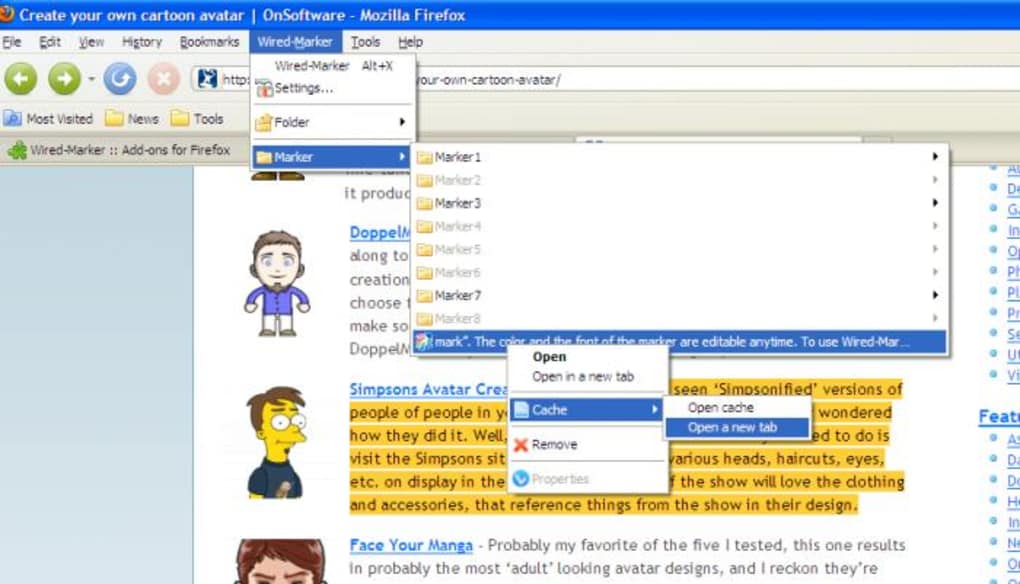
Once installed, using Wired Marker mirrors the standard text‑selection workflow. Highlight any text on a page, right‑click, and select the desired color from the Wired Marker submenu. To add a note, simply click the “Add note” option after highlighting; a small text box pops up where you can type observations, URLs, or citations.
All highlights are stored in the sidebar, which you can open by clicking the Wired Marker icon. From the sidebar you can create new folders, move highlights between them, or delete outdated entries. The search bar at the top of the sidebar accepts keywords, colors, or date ranges, instantly narrowing down results.
If you need a quick definition, highlight a word and choose “Dictionary” to fetch an inline definition without opening a new tab.
Compatibility
Wired Marker is built exclusively for Mozilla Firefox, supporting Windows 10/11, macOS 10.15+ and most Linux distributions that run the latest Firefox release. Because it relies on Firefox’s extension API, it does not function in Chrome, Edge, or Safari. However, the add‑on works seamlessly across all Firefox platforms, including the mobile version for Android, where the UI adapts to smaller screens while preserving the core highlight and note features.
Pros and Cons – A Balanced Look at Wired Marker
Pros
- Highlights persist after browser closure, eliminating the need for screenshots.
- Rich note‑taking and folder organization keep research structured.
- Offline cache ensures data remains accessible even if the original page vanishes.
- Shortcut‑key support speeds up the marking process for power users.
- Search and filter capabilities make large collections of highlights manageable.
- Export functions allow integration with external analysis tools.
- Free to download and use, with no hidden subscription fees.
Cons
- Only available for Firefox; users of Chrome or Safari must switch browsers.
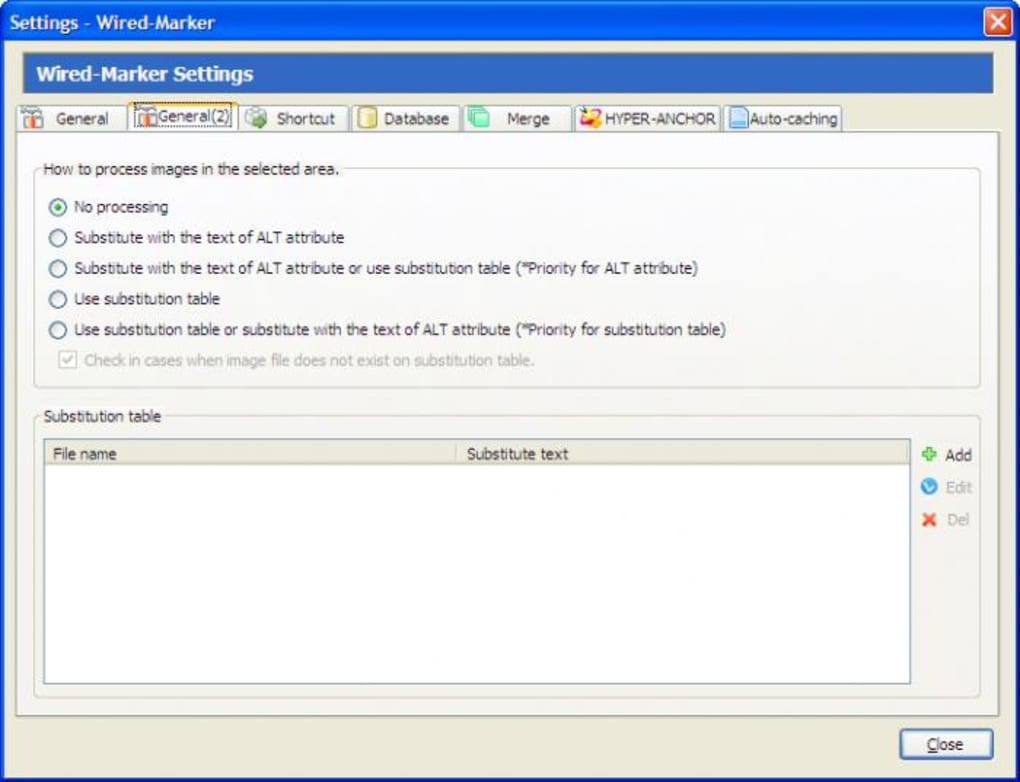
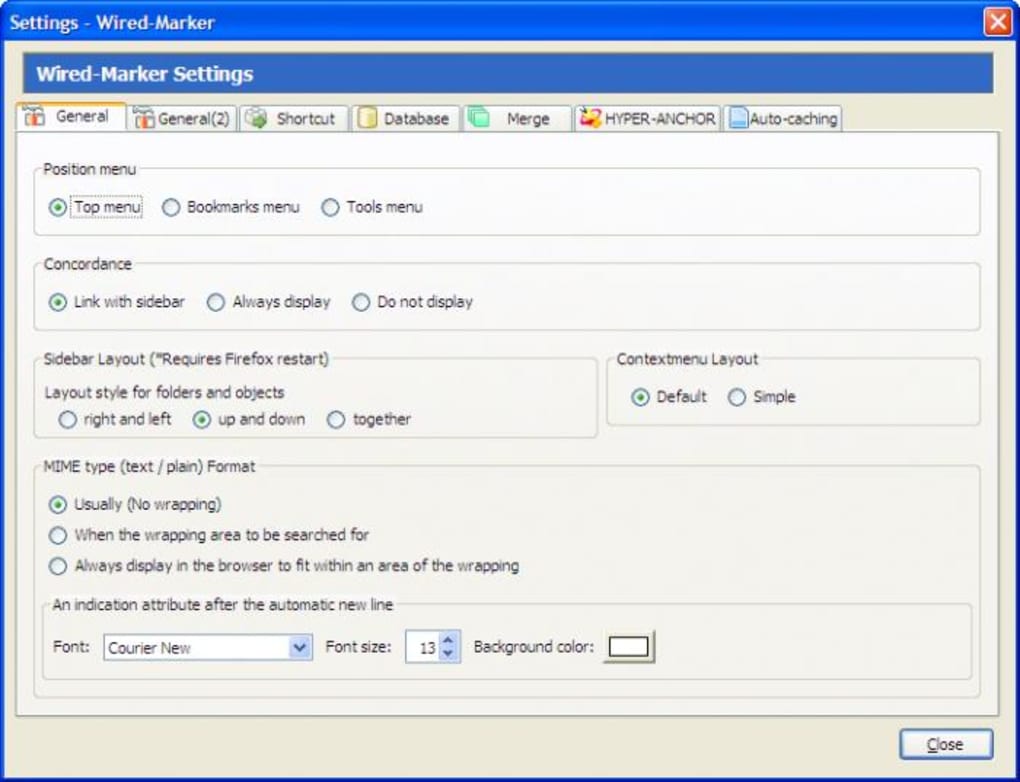
- Some advanced options have vague labels, making the learning curve steeper.
- Online help documentation is limited and occasionally outdated.
- Performance may degrade on pages with extremely large amounts of highlighted text.
- Mobile version lacks some desktop‑only features like bulk folder management.
FAQ and Final Verdict – Should You Download Wired Marker?
Is Wired Marker completely free?
Yes, Wired Marker is offered as a free Firefox add‑on with no hidden fees or premium tiers.
Can I sync my highlights across multiple devices?
Sync is possible through Firefox Sync. When you enable Sync, your highlights, notes, and folders are stored in your Firefox account and appear on any other device where you are signed in.
What happens to highlights if the original web page is removed?
The auto‑cache feature saves a local snapshot of the page at the time of highlighting. Even if the live page disappears, you can still view the highlighted content offline.
Does Wired Marker affect browser performance?
For typical research sessions the impact is negligible. However, pages with thousands of highlights may experience slight slow‑downs, especially on older hardware.
How secure is the data stored by Wired Marker?
All data is stored locally in your Firefox profile and, if you use Firefox Sync, encrypted end‑to‑end before being uploaded to Mozilla’s servers. No third‑party access is granted.
Conclusion – Your Next Step
Wired Marker delivers exactly what its tagline promises: a reliable, free, and secure way to highlight the Internet. Its permanent highlights, note integration, and offline cache give researchers a level of control that most browser extensions simply cannot match. While the UI could benefit from clearer labeling and expanded documentation, the core experience is robust enough to make it a staple in any serious web‑research toolkit. If you spend a lot of time gathering quotes, references, or data from online sources, installing Wired Marker today will streamline your workflow and protect your insights for the long haul. Download Wired Marker now, enable Firefox Sync for cross‑device continuity, and start turning the chaotic web into an organized knowledge base.







